

.png?width=2196&height=2196&name=OS%20(1).png)



.svg)

-3.png?width=224&height=213&name=Accelerate%20(2)-3.png)









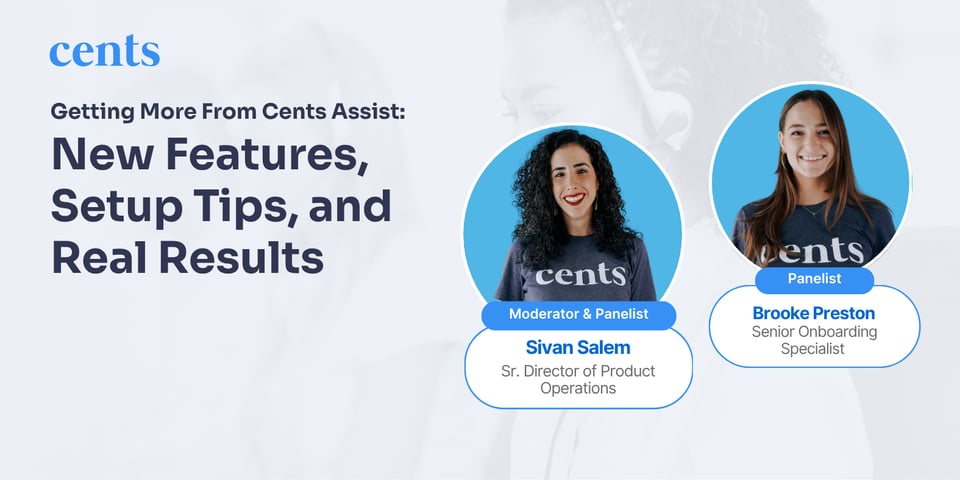
If you missed our latest webinar, don’t worry — we’ve got you covered. Sivan Salem, who oversees Product Operations at Cents, sat down with Brooke Preston, our Senior Onboarding Specialist, for an end-to-end walkthrough of Cents Assist.
Cents Assist has changed a lot since it launched almost two years ago, and Brooke walked through setup, best practices and a lineup of new features released over the past few months. As Brooke put it, “I like to describe Cents Assist as a filtration system.” It handles your everyday customer questions and screens out spam, so you and your team only deal with the calls that really need you.
Key Actionable Takeaways:
Make your agent sound like your business
You can customize your agent’s voice, speaking speed, response eagerness and welcome message right from the Assist Settings tab in Cents Business Manager. Changes take effect instantly, so you can test a setting, listen to a few calls and adjust. Brooke compared it to onboarding a new hire: “If you have an employee who’s working your phones and taking calls, they’re not going to be perfect the first day. You have to train this to learn your customers.”
Set up escalations to match how you work
You can choose a default escalation number, a secondary backup and a separate after-hours line. From there, you can create rules that route calls by keyword, by who the caller asks for or by customer group, like your VIPs. Warm transfer gives you a quick summary before you decide to pick up, and bypass call transfer pauses escalations entirely when you need a break.
Let Cents Assist take orders
If you offer pickup and delivery with Cents, your agent can text callers your online ordering link or walk them through placing an order over the phone. Every order shows up in Cents POS, and Cents Assist can answer order status questions by text. Brooke recommends easing into phone orders: “Enable phone orders after maybe a month or so of using it, where you’re feeling really comfortable about how it’s performing.”
Connect the tools you already use
You can now copy your services, machines and pricing straight from Cents Business Manager, so your agent stays current whenever your prices change. If you use Laundroworks, callers can check their card balance, hear real-time machine availability and get help with basic machine troubleshooting. You can even turn on automatic refunds with a monthly limit when your agent confirms a machine is down.
Wrapping Up
Cents Assist does a lot more than answer the phone. With the right setup, it takes everyday questions off your team’s plate, routes urgent calls to the right person and helps customers place orders around the clock. If you’re ready to fine-tune your settings or get started with Cents Assist, reach out to your CSM or check out our Help Center articles.
Missed the live session? Rewatch the webinar here: