.png?width=2196&height=2196&name=OS%20(1).png)



.svg)

-3.png?width=224&height=213&name=Accelerate%20(2)-3.png)








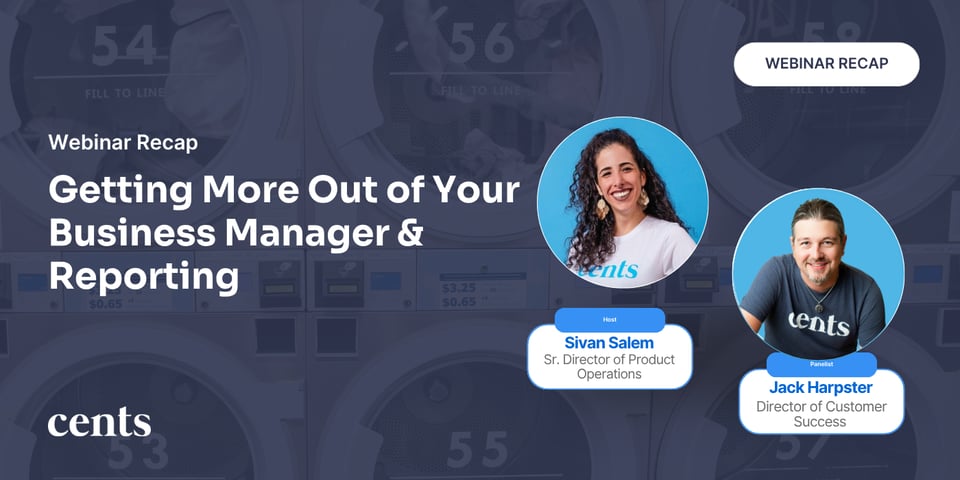
In this webinar session, Jack Harpster, Director of Customer Success and Sivan Salem, Sr. Director of Product Operations, sat down with a room full of laundromat operators for a live, question-driven walkthrough of reporting, loyalty, permissions, and messaging. From customer opt-in flows to saved reports to who actually gets access to billing, this session covered the features operators use every day and the ones many didn't know existed.
Key Actionable Takeaways:
Loyalty opt-in is easier to promote than most people realize
We walked through how customers are prompted to join the loyalty program, and showed how to take it a step further with deep linking, sending customers straight to the rewards sign-up screen instead of just telling them where to click. It's a simple change that removes friction at exactly the moment customers are most likely to opt in, using something as simple as a page visit to your homepage as the trigger.
Getting more out of saved reports
Saved reports are a powerful tool that every operator should be utilizing. We covered how saved reports can be shared directly, including emailing them straight to an accountant instead of exporting and re-sending manually. Jack also touched on where to find your Google Tag Manager ID for anyone connecting site analytics back into their reporting setup: it lives right in your own Google Tag Manager account.
Setting up team billing access the right way
We walked through how to bring an admin or bookkeeper into the Business Manager through the Team management section, so they can support day-to-day operations without needing full owner-level access.
Sivan explained how it works: "You can set them up as a team member on the 'team' section." Billing & Payments currently stays reserved for the business owner specifically, which keeps sensitive financial controls, like bank information, in one clear set of hands. For teams that want to loop in an accountant or bookkeeper on the payments side, a password manager is a simple way to share that access securely.
Sending transactional texts from your own number
One of the best lesser-known details we covered: with Cents Accelerate, transactional order updates can be sent from your own personal number instead of a shared Cents number. It's a small switch with real upside: customers see a number they can recognize as yours, texts feel more personal and trustworthy, and it reinforces your brand at every step of the order instead of a generic, unfamiliar sender.
Wrapping Up
From loyalty opt-in to permissions to messaging, this session was a reminder of how much is packed into the Cents Business Manager, and how much value is waiting in features that are easy to miss. In just one hour, we covered how to drive customers straight into your loyalty program with deep linking, where to find and manage pop-up events, how to get more out of saved reports, how to bring an admin or bookkeeper onto your team the right way, and how to send transactional texts from a number your customers actually recognize as yours.
Missed the live session? Rewatch the webinar here:

.png?width=400&height=200&name=EMAIL_Reporting%20Webinar%20(1).png)